FlySparkHardware and linksUpdated
 STM32 DFU driver fix and a USB doctor for flight controllers
When a flight controller is not detected, the cause is almost always one of four things: a charge-only cable, the board being in the wrong mode, a missing or wrong driver such as the STM32 DFU driver on Windows, or a permission the operating system has not granted. This page walks through each one, with the Windows fixes pilots use (ImpulseRC Driver Fixer and Zadig) and what to check on macOS, Linux and Android.
On Android, the FlySpark app includes a USB and DFU doctor. It lists every USB device the phone can see, says what each one is (a flight controller, a board in DFU bootloader mode, a USB-serial adapter, a radio), and tells you what to do next. Android needs no drivers, so the doctor focuses on the things that do go wrong: cables, OTG, permission and board mode.
This tool runs in the FlySpark app on Android. The demo works in your browser.
- Free
- Demo without hardware
In short
The STM32 DFU driver lets a computer flash a flight controller in bootloader mode (USB ID 0483:DF11). On Windows it is fixed with Zadig or ImpulseRC Driver Fixer. Android needs no driver, and FlySpark's USB and DFU doctor shows what the phone detects and what to do next.
Key facts
- A board in DFU mode appears as STM32 BOOTLOADER (0483:DF11); running firmware appears as a virtual COM port (0483:5740).
- On Windows, DFU flashing needs the WinUSB driver on STM32 BOOTLOADER, installed with Zadig or ImpulseRC Driver Fixer (Betaflight docs).
- On Linux, serial access needs the dialout group and DFU flashing needs a udev rule for 0483:df11 and 2e3c:df11 (Betaflight docs).
- FlySpark's USB and DFU doctor recognises 16 vendor:product IDs, including STM32, AT32 and GD32 DFU bootloaders, CP210x, CH340, CH9102 and FTDI adapters, ESP32-S3/C3 and EdgeTX radios.
- Any device that reports a DFU interface is shown as a bootloader, even if its ID is not in the list.
- Suggested fixes: a data cable, an OTG adapter, powering the board from USB only, holding BOOT while plugging in, or typing bl in the CLI.
- The doctor runs in the FlySpark Android app; a demo with simulated devices runs in the browser.
 Betaflight
 INAV
INAV ArduPilot
 PX4
PX4- BLHeli_S
 Bluejay
 AM32
AM32 ExpressLRS
 EdgeTX
 DroneCAN
 MAVLink
FlySpark
Features
- 01
Everything on USB, named
Each device is listed with its vendor and product ID, manufacturer and product name, chip family and what it is to FlySpark.
- 02
Bootloader detection
STM32, AT32 and GD32 ROM DFU bootloaders are recognised by ID, and any device with a DFU interface is shown as Bootloader (DFU).
- 03
Permission in one tap
Devices FlySpark may not use yet show an ALLOW ACCESS button that brings up Android's permission prompt.
- 04
Live as you plug in
The list refreshes when a device is plugged in or removed, so you can watch a board switch between running firmware and DFU.
- 05
Not seeing your device?
Two checklists, To configure and To flash, cover data cables, OTG, power, the BOOT button and the bl command.
- 06
Straight to the right tool
A board in DFU gets an Open the firmware flasher button; a radio or its SD card gets Open the EdgeTX radio tool.
- 07
Radios and adapters too
Recognises EdgeTX radios in serial, storage and joystick modes, CP210x, CH340, CH9102 and FTDI adapters, ESP32 USB and ST-Link probes.
- 08
Demo in the browser
See how it explains a running board, a board in its bootloader and a telemetry radio, with nothing plugged in.
Why a flight controller is not detected
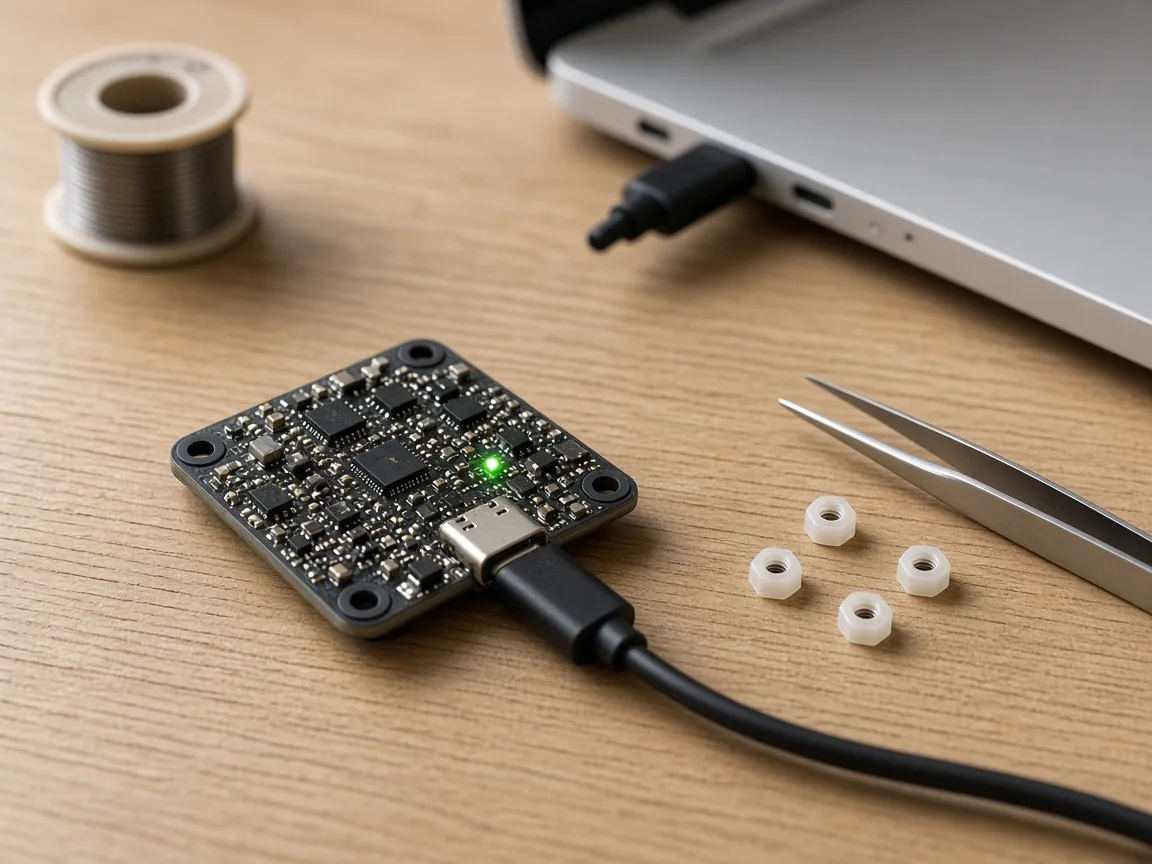
Start with the cable. Many USB cables sold with chargers and gadgets only carry power. The board's LEDs light up, which looks like a connection, but the computer or phone never sees a device. If a board powers on and nothing appears in the device list, try a cable you know transfers files.
Next, the mode. An STM32 flight controller has two USB identities. Running Betaflight, INAV or ArduPilot it appears as a virtual COM port (on STM32 boards, vendor 0483, product 5740), which configurators open as a serial port. In its ROM bootloader it appears as a completely different device, STM32 BOOTLOADER (0483:DF11), which only flashers use. A configurator cannot connect to a board in bootloader mode, and a flasher cannot write to a board that is running its firmware until it reboots it.
Then the driver and the permission. Each identity needs its own driver on Windows, so a board that connects fine for configuring can still fail to flash. On Linux and Android the device needs permission before a program can open it.
Installing the STM32 DFU driver on Windows
Desktop flashers in the Betaflight family talk to the bootloader through the WinUSB driver. If Windows has no driver for STM32 BOOTLOADER, or another program's driver has claimed it, the flasher reports that no DFU device was found or hangs while rebooting into the bootloader.
The quickest fix most pilots use is ImpulseRC Driver Fixer, a small Windows program that finds a plugged-in flight controller and installs the drivers it needs. If it does not help, put the board in DFU mode, open Zadig, choose Options › List All Devices, select STM32 BOOTLOADER, choose WinUSB as the target driver and press Replace Driver or Install Driver. If Device Manager shows the bootloader under another name, such as Guillemot STM DFU Device, a driver installed by other software has claimed it: uninstall that device with the option to delete its driver ticked, unplug, and install WinUSB again.
Only change the driver for the bootloader device. The virtual COM port used for configuring works with the serial driver built into current Windows versions.
macOS, Linux and ChromeOS
macOS needs no driver for STM32 virtual COM ports or for DFU. If a board does not appear, check the cable, the USB hub, and the mode.
On Linux the device appears, but a normal user may not be allowed to open it. Serial ports usually need your user to be in the dialout group (log out and back in afterwards), and DFU bootloaders need a udev rule that grants access to vendor 0483 product DF11. The Betaflight documentation gives the rule to add.
On a computer, FlySpark's web version opens the flight controller's serial port through the browser (Chrome or Edge), so the same serial-port rules apply. Flashing is not done in the web version.
Android: no driver, but OTG and permission
Android talks to STM32 virtual COM ports, DFU bootloaders and common USB-serial chips without any driver. What can stop it is the OTG link and the permission prompt. Use an OTG adapter or a USB-C to USB-C data cable; some phones have a USB OTG switch in their settings that must be on. When a device is plugged in, Android asks whether FlySpark may use it. If you dismissed the prompt, the USB and DFU doctor shows ALLOW ACCESS on that device to ask again.
Power can confuse things too. A board that is powered by the flight battery and USB at the same time may not restart cleanly when you replug the cable, so the doctor's checklist suggests unplugging the battery, powering the board from USB only, and plugging it in again.
Getting a board into DFU bootloader mode
There are two ways. From running firmware: Betaflight's CLI command bl (INAV uses dfu) reboots the board into its bootloader, and FlySpark's firmware flasher sends it for you. From power-off: hold the BOOT button (or bridge the BOOT pads on boards without a button) while plugging in USB, then release. On Android the USB and DFU doctor confirms it: the card changes to Bootloader (DFU) with the chip family, such as STM32 ROM DFU.
A board left in bootloader mode will not configure. If the configurator cannot connect after a flash, unplug and plug it in again without holding BOOT.
At a glance
Devices the USB and DFU doctor recognises
| 0483:DF11 | STM32 ROM DFU bootloader |
|---|---|
| 2E3C:DF11 | AT32 ROM DFU bootloader |
| 28E9:0189 | GD32 ROM DFU bootloader |
| 0483:5740 | STM32 virtual COM port (flight controller, or a radio in USB Serial mode) |
| 2E3C:5740 | AT32 virtual COM port |
| 10C4:EA60, 1A86:7523, 1A86:55D4 | CP210x, CH340 and CH9102 USB-serial adapters |
| 0403:6001, 0403:6015 | FTDI FT232 and FT230X adapters |
| 303A:1001 | ESP32-S3 / C3 USB (ExpressLRS hardware) |
| 1209:4F54, 0483:5720, 0483:5710 | EdgeTX / OpenTX radio, radio SD card storage, radio joystick mode |
| 0483:3748, 0483:374B | ST-Link V2 and V2-1 debug probes (not used by FlySpark) |
| Any other device with a DFU interface | Shown as Bootloader (DFU) |
| Platform | FlySpark Android app; demo with simulated devices in the browser and the app |
Compare
What each system needs for a flight controller
| Feature | Windows | macOS | Linux | Android with FlySpark |
|---|---|---|---|---|
| Virtual COM port (configure) | Built-in serial driver on current Windows | Nodriver | dialout group | Nodriver, allow access |
| STM32 BOOTLOADER (flash) | WinUSB via ImpulseRC Driver Fixer or Zadig | Nodriver | udev rule | Nodriver, allow access |
| Data cable needed | Yes | Yes | Yes | Yesplus OTG |
FlySpark
How to find out why a flight controller is not detected
Swap the cable
Use a cable you know carries data; many charging cables do not.
Check the mode
Running firmware appears as a serial port; DFU mode appears as STM32 BOOTLOADER. Configure in one, flash in the other.
Fix the driver or permission
On Windows install WinUSB for the bootloader; on Linux add permissions; on Android allow FlySpark access.
Check with the USB doctor
On Android, open the USB and DFU doctor to see exactly what the phone detects.
Guide 01
Check a flight controller with the USB and DFU doctor
In the FlySpark app on Android.
Open Tools and choose USB and DFU doctor.
Plug the flight controller into the phone with an OTG cable or adapter.
Read the card that appears: Flight controller means it is running firmware; Bootloader (DFU) means it is ready to flash.
If the card shows ALLOW ACCESS, tap it and accept Android's prompt.
If nothing appears, pick To configure or To flash under Not seeing your device? and work through the steps.
For a board in DFU, tap Open the firmware flasher.
Guide 02
Fix STM32 BOOTLOADER with Zadig on Windows
For desktop flashers that report no DFU device.
Hold BOOT and plug the flight controller into the computer, so it starts in DFU.
Open Device Manager and confirm a device named STM32 BOOTLOADER (or an unknown device) appeared.
Run Zadig, choose Options › List All Devices and select STM32 BOOTLOADER.
Set the target driver to WinUSB and press Replace Driver or Install Driver.
Unplug, enter DFU again, and retry the flash.
Guide 03
Rule out a charge-only cable
A quick test before anything else.
Plug the cable into the phone or computer and a device you know works over USB, such as another phone, and check it shows up as a device.
If it does not, the cable is charge-only or damaged. Use a data cable.
With the FlySpark app on Android, plug the flight controller in with the USB and DFU doctor open: no card at all, while the board's LEDs light, points to the cable or OTG.
Troubleshooting
Common problems and fixes
Problem
Board lights up but no device appears anywhere
Fix
Charge-only or damaged cable, or a loose USB port on the board. Try a known data cable and another port.
Problem
Betaflight shows no connection found or no port to pick
Fix
The board is not presenting a serial port: check the cable, make sure it is not stuck in bootloader mode, and on Windows check Device Manager for an STM32 Virtual ComPort.
Problem
Flasher says no DFU device found on Windows
Fix
Install WinUSB for STM32 BOOTLOADER with ImpulseRC Driver Fixer or Zadig.
Problem
STM32 BOOTLOADER keeps turning back into Guillemot STM DFU Device
Fix
Uninstall the Guillemot device with its driver deleted, then install WinUSB again with Zadig.
Problem
Doctor shows the device with ALLOW ACCESS
Fix
FlySpark has no permission yet. Tap ALLOW ACCESS and accept Android's prompt.
Problem
Doctor shows Bootloader (DFU) but the configurator won't connect
Fix
The board is in its bootloader. Flash it, or unplug and plug it in again without holding BOOT.
Problem
Doctor shows Game controller
Fix
That is a radio in joystick mode. Unplug and choose USB Serial (VCP) or USB Storage on the radio instead.
Problem
Doctor shows Unknown device with Hidden on the Connect page
Fix
FlySpark does not recognise its ID. It may still work as a serial port: turn on Show all devices on the Connect page and try it.
Problem
"Could not list USB devices"
Fix
Android refused the USB query. Unplug the device, close and reopen the doctor, and plug it in again.
Glossary
Glossary of terms
- DFU
- Device Firmware Upgrade, the USB mode an STM32's built-in bootloader uses to receive firmware.
- VCP
- Virtual COM port: how a flight controller running its firmware appears on USB, as a serial port.
- VID:PID
- The vendor and product ID pair every USB device reports, for example 0483:DF11.
- WinUSB
- A generic Windows USB driver that lets programs talk to a device directly; what desktop DFU flashers need.
- Zadig
- A Windows utility for installing WinUSB or libusb drivers on a chosen USB device.
- ImpulseRC Driver Fixer
- A Windows utility that installs the drivers a connected flight controller needs.
- USB OTG
- On-The-Go: lets a phone act as the USB host, so a flight controller can plug into it.
- ROM bootloader
- Code built into the STM32 chip at the factory. It cannot be erased, which is why a board can almost always be reflashed.
FAQ
Frequently asked questions
What is the STM32 DFU driver?
The driver Windows uses for an STM32 board in bootloader mode. Desktop Betaflight-family flashers need WinUSB on the STM32 BOOTLOADER device; ImpulseRC Driver Fixer or Zadig installs it.
Do I need Zadig or ImpulseRC Driver Fixer on Android?
No. Android needs no USB drivers. Allow FlySpark to use the device when asked.
Can FlySpark fix my Windows drivers?
No. FlySpark's USB and DFU doctor runs on Android. On Windows, use ImpulseRC Driver Fixer or Zadig as described above.
Why does my flight controller power on but not connect?
Most often a charge-only cable. Otherwise the board may be in bootloader mode, or the driver or permission is missing.
Why can't Betaflight connect after I flashed?
The board may still be in its bootloader. Unplug it and plug it in again without holding BOOT.
How do I put my flight controller in DFU mode?
Hold BOOT while plugging in USB, or type bl in the Betaflight CLI (dfu in INAV). FlySpark's firmware flasher sends that command for you.
Do serial adapters like the CP2102 or CH340 need drivers?
On Android with FlySpark, no. On a computer, some systems need the chip maker's driver.
Does the USB and DFU doctor work on iPhone?
No. iPhone apps cannot see USB devices like flight controllers. It is an Android tool; the browser shows a demo.
What does Hidden on the Connect page mean?
FlySpark does not recognise the device's ID, so the Connect page hides it. Turn on Show all devices there to try it anyway.
My radio appears as a game controller. Why?
It is in joystick mode. Unplug and choose USB Serial (VCP) or USB Storage on the radio's screen.
Can a board in DFU be bricked for good?
Rarely. The STM32 ROM bootloader cannot be erased, so holding BOOT almost always gets you back into DFU to reflash. Boards with read protection need a computer tool to clear it first.
References
Sources
The official documentation behind the background facts on this page.
- USB FlashingBetaflight · betaflight.com
- Firmware InstallationBetaflight · betaflight.com
- Zadig - USB driver installation made easyAkeo Consulting · zadig.akeo.ie
- Firmware Flasher TabBetaflight · betaflight.com
- USB host overviewAndroid Developers · developer.android.com