 FlySpark
Betaflight Configurator in your browser and on your phone
Set up Betaflight in your browser or on Android: ports, PIDs, rates, OSD, modes, presets and CLI over USB or Bluetooth. Free, with a no-hardware demo.
Betaflight setup guides
Rates decide how fast your quad turns for each stick position. FlySpark shows the curve for roll, pitch and yaw as you change the numbers, with the maximum rotation speed in degrees per second, so you can see the result before you fly it.
Edit the rates on your own flight controller in Chrome or Edge over USB or Bluetooth, or in the FlySpark app on Android and iPhone.
Free. Hardware connections need Chrome or Edge on a computer; phones use the FlySpark app.
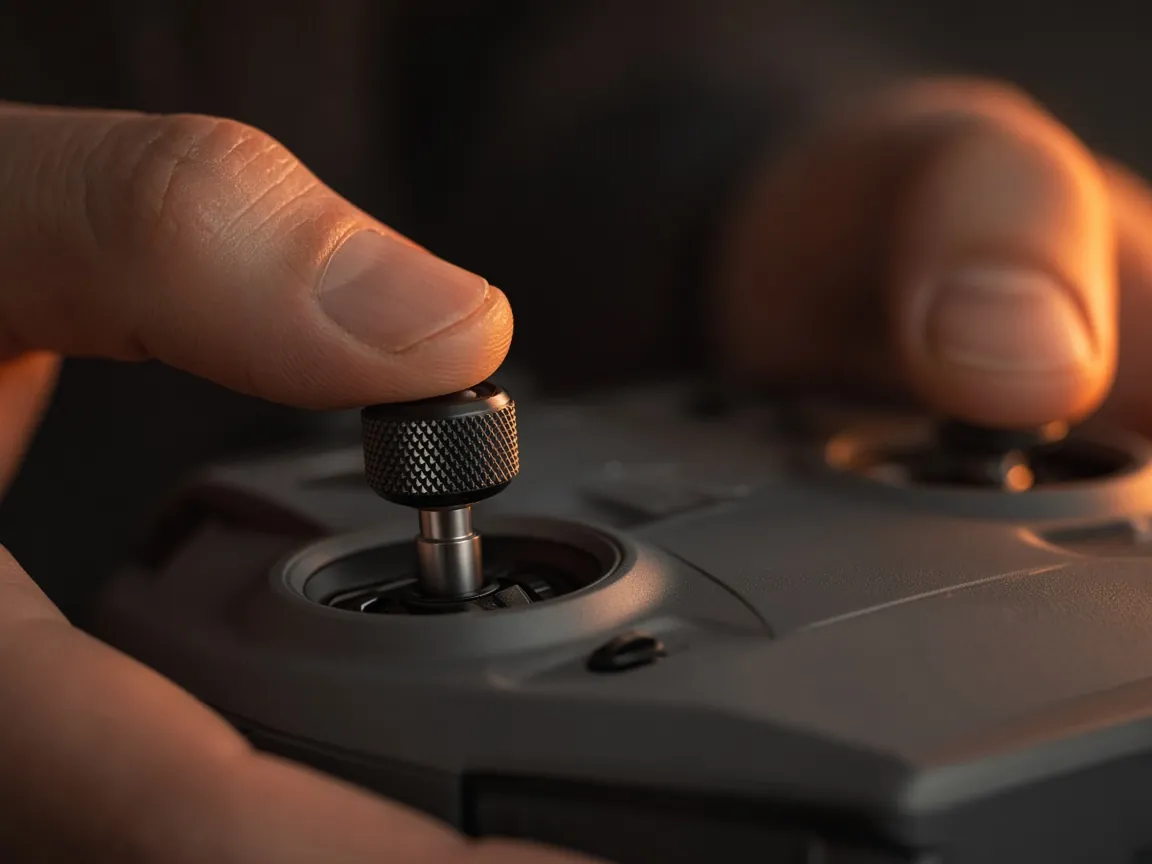
Actual, Betaflight, Quick, KISS and Raceflight, with the right fields for each.
Roll, pitch and yaw curves redraw as you edit, with the maximum degrees per second for each axis.
Switch between the rate profiles stored on the board, for example one for freestyle and one for cinematic flying.
Throttle mid and expo and the throttle limit, plus throttle hover on newer Betaflight versions.
Set the per-axis rate limit that caps how fast the quad may rotate.
INAV rates and expo, the throttle curve, manual rates for planes and maximum angles for self-level modes.
Most pilots think about two things: how sensitive the sticks feel around the centre, and how fast the quad spins at full stick. Actual rates, the default since Betaflight 4.3, set those directly: centre sensitivity in degrees per second, the maximum rate, and expo to shape the curve between them. The other rate types reach similar curves with different numbers.
As a rough guide, freestyle pilots often fly a maximum of 600 to 800 degrees per second, racers a little less, and cinematic pilots far less with a soft centre. Start near the defaults, change one value at a time, and fly a pack between changes.
The graph shows stick position across the bottom and rotation speed up the side. A straight line feels the same everywhere on the stick. A curve that stays flat in the middle and rises steeply at the end gives fine control for small corrections and still allows fast flips. The number next to each axis is the speed at full stick.
If you are moving from another firmware or another quad, match the maximum rate and centre feel rather than the raw numbers, because each rate type uses its own scale.
Rates change how the sticks map to rotation speed; they do not change how well the quad holds that rotation. If the quad wobbles or overshoots, look at the PIDs and filters instead. A blackbox log shows whether the gyro follows the setpoint, and PID autotune can suggest slider settings from a test flight.
Open FlySpark in Chrome or Edge, choose Betaflight and connect over USB or Bluetooth.
Pick the rate profile to edit and the rate type you want to use.
Change centre sensitivity, maximum rate and expo while watching the curve and the degrees per second.
Save to the flight controller and fly a pack before changing anything else.
A rate type that sets centre sensitivity and maximum rotation speed directly in degrees per second, with expo between them. It is the default in Betaflight 4.3 and newer.
Yes. Each axis shows its rate at full stick next to the curve.
Yes. Betaflight stores several rate profiles; choose one at the top of the tab, or switch between them in flight with an adjustment on a switch.
Yes. The INAV configurator has its own rates screen with a curve, expo and plane settings.
Set up Betaflight in your browser or on Android: ports, PIDs, rates, OSD, modes, presets and CLI over USB or Bluetooth. Free, with a no-hardware demo.
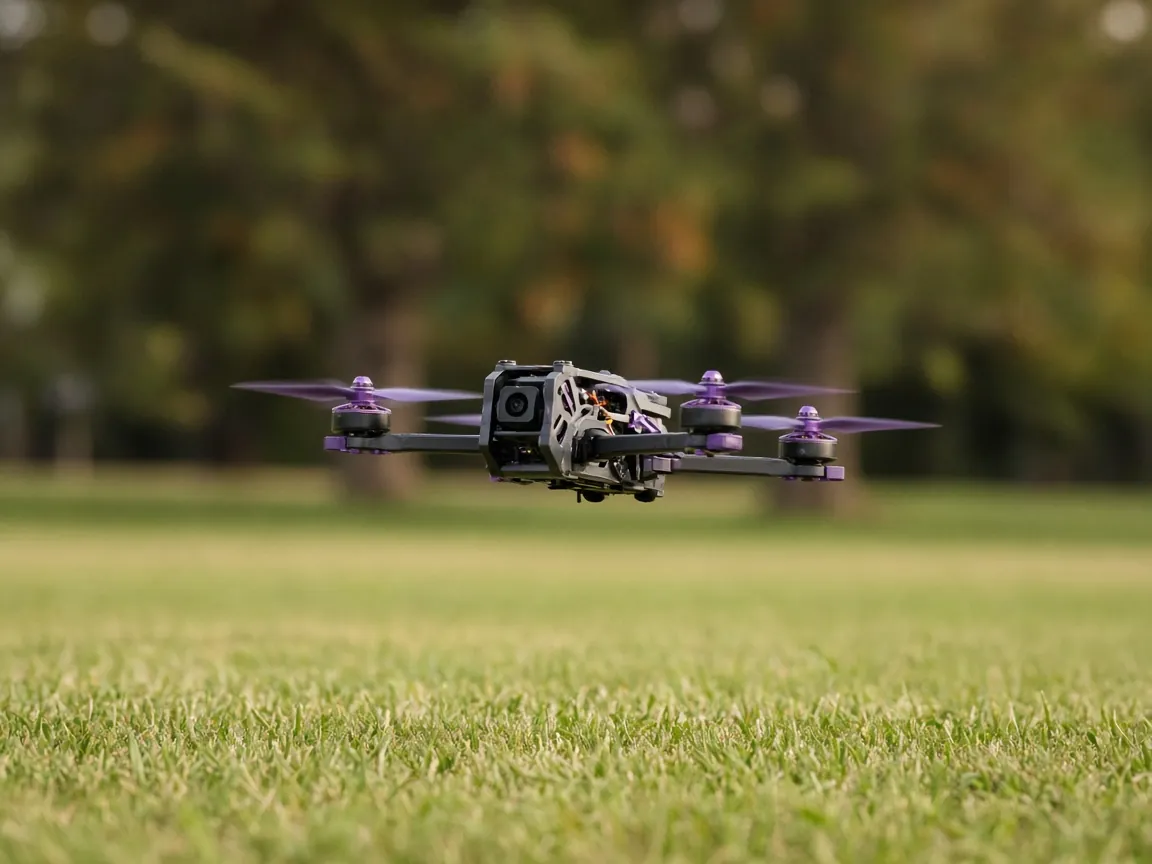
Turn a Betaflight CHIRP test flight into PID slider suggestions: frequency response, phase margin, delay and step response, in your browser or phone.
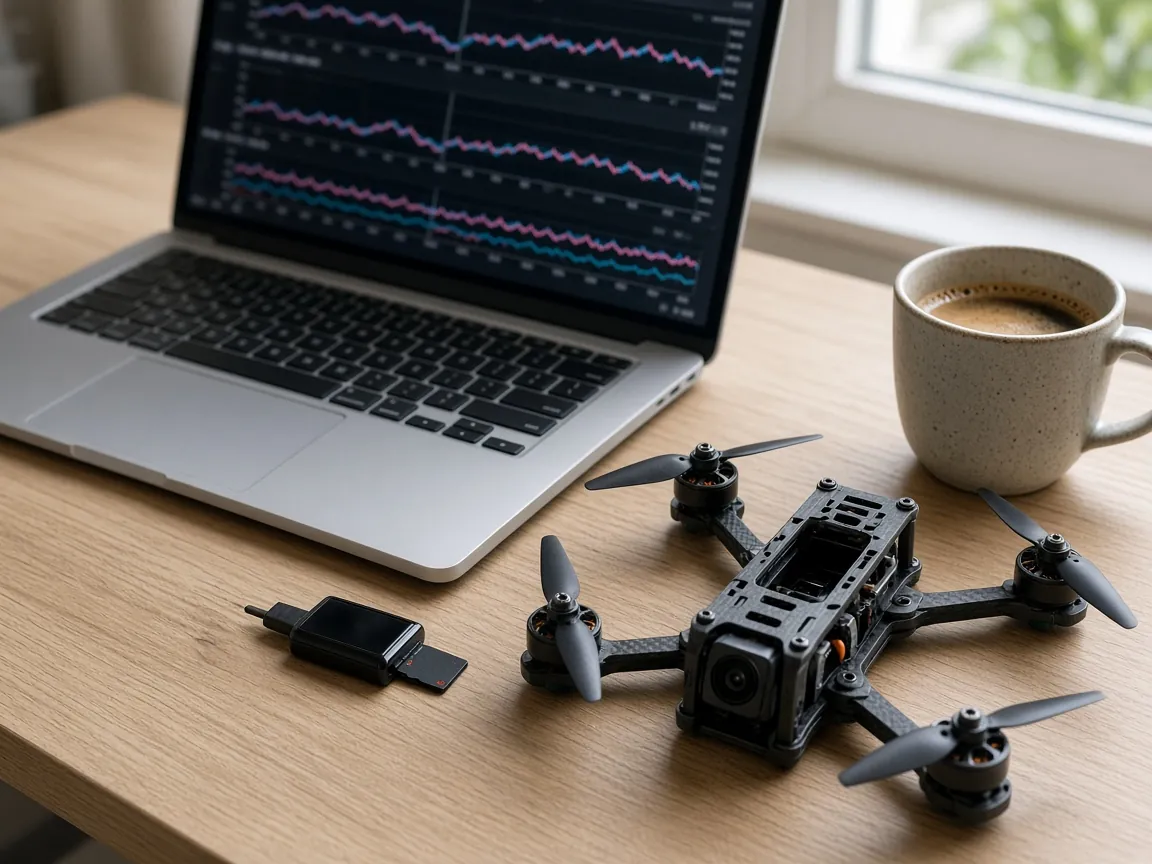
Open Betaflight and INAV blackbox logs (.BBL, .BFL, .TXT) in your browser: gyro and PID graphs, noise spectrum, GPS track, video sync, CSV and GPX export.
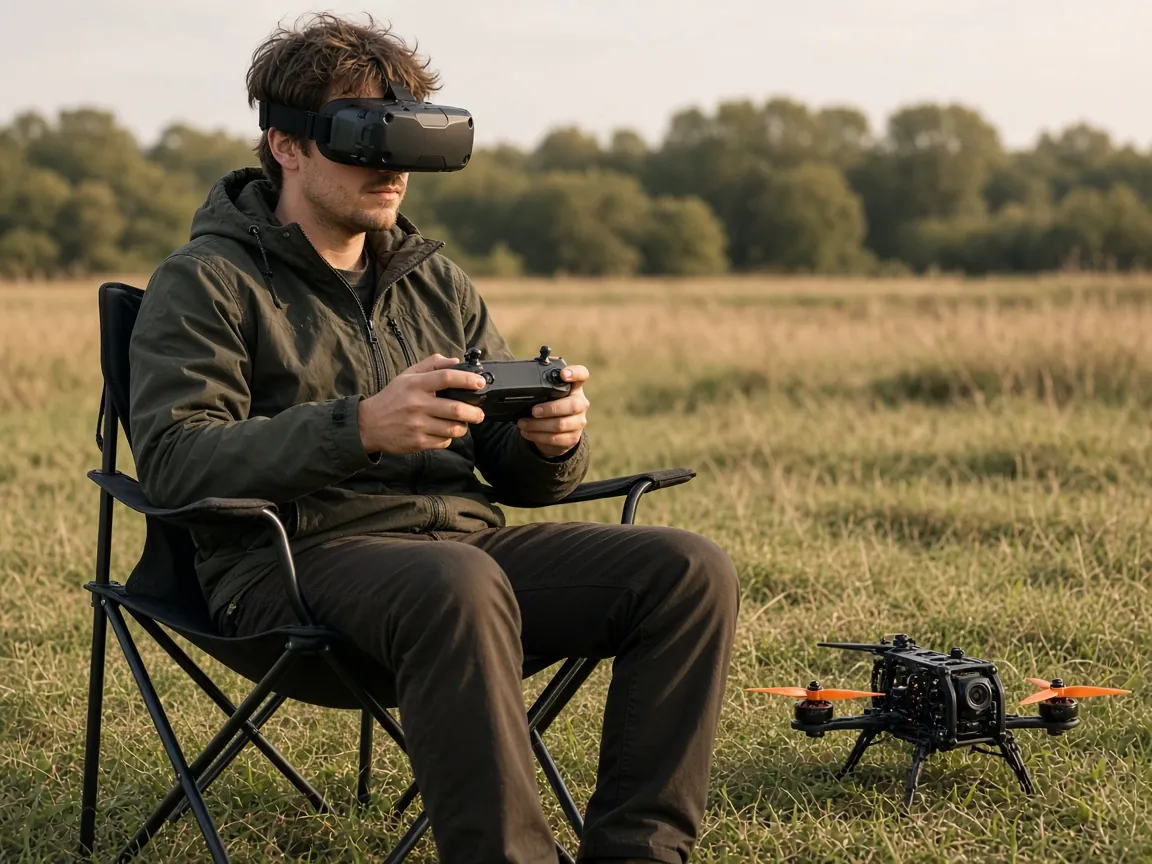
Lay out your Betaflight or INAV OSD in the browser: drag elements on a preview, set PAL, NTSC or HD, timers, warnings and stats, and upload fonts.
Free. Hardware connections need Chrome or Edge on a computer; phones use the FlySpark app.