BetaflightBetaflight setup guidesUpdated
 Betaflight filters: gyro lowpass, dynamic notch and RPM filter
The Filters tab in FlySpark sets the gyro and D-term filtering on Betaflight and INAV. On Betaflight that is the simplified filter sliders, static or dynamic lowpass, two gyro notches, a D-term notch, the dynamic notch, and the RPM filter. The RPM filter's extra Q, fade and weights appear on MSP API 1.48 and newer, and the filter needs bidirectional DShot.
These tabs are part of the FlySpark configurator. In Chrome or Edge, connect over USB or Bluetooth. The Android app also connects over USB OTG or a Wi-Fi MSP bridge. The iPhone app uses Bluetooth or Wi-Fi, because an iPhone has no USB host. A browser cannot open the craft's Wi-Fi. Edits collect in the save bar. Filter changes are a tune. Read the motor temperatures and a blackbox log after you change them. The chirp autotune page is the slider suggestion from a chirp log, not a replacement for this tab.
Free. Hardware connections need Chrome or Edge on a computer; phones use the FlySpark app.
- Free
- Nothing to install
- Demo without hardware
In short
Betaflight filters cover gyro and D-term lowpass, fixed notches, the dynamic notch and the RPM filter. FlySpark's Filters tab sets them for Betaflight and INAV in Chrome or Edge and in the Android and iPhone apps. The RPM filter needs bidirectional DShot.
Key facts
- Higher filter sliders mean higher cutoffs: less delay and more noise at the motors.
- Editing a cutoff by hand turns the matching simplified slider off.
- Gyro hardware lowpass is inside the gyro chip. The tab says to leave it on Normal.
- Dynamic notch count 0 turns that bank off. Notch centre 0 turns a fixed notch off.
- RPM filter harmonics 0 turns the RPM filter off. It needs bidirectional DShot.
- Fade range, Q and harmonic weights are shown only on MSP API 1.48 and newer.
- Betaflight
 INAV
INAV ArduPilot
 PX4
PX4- BLHeli_S
 Bluejay
 AM32
AM32 ExpressLRS
 EdgeTX
 DroneCAN
 MAVLink
Try it
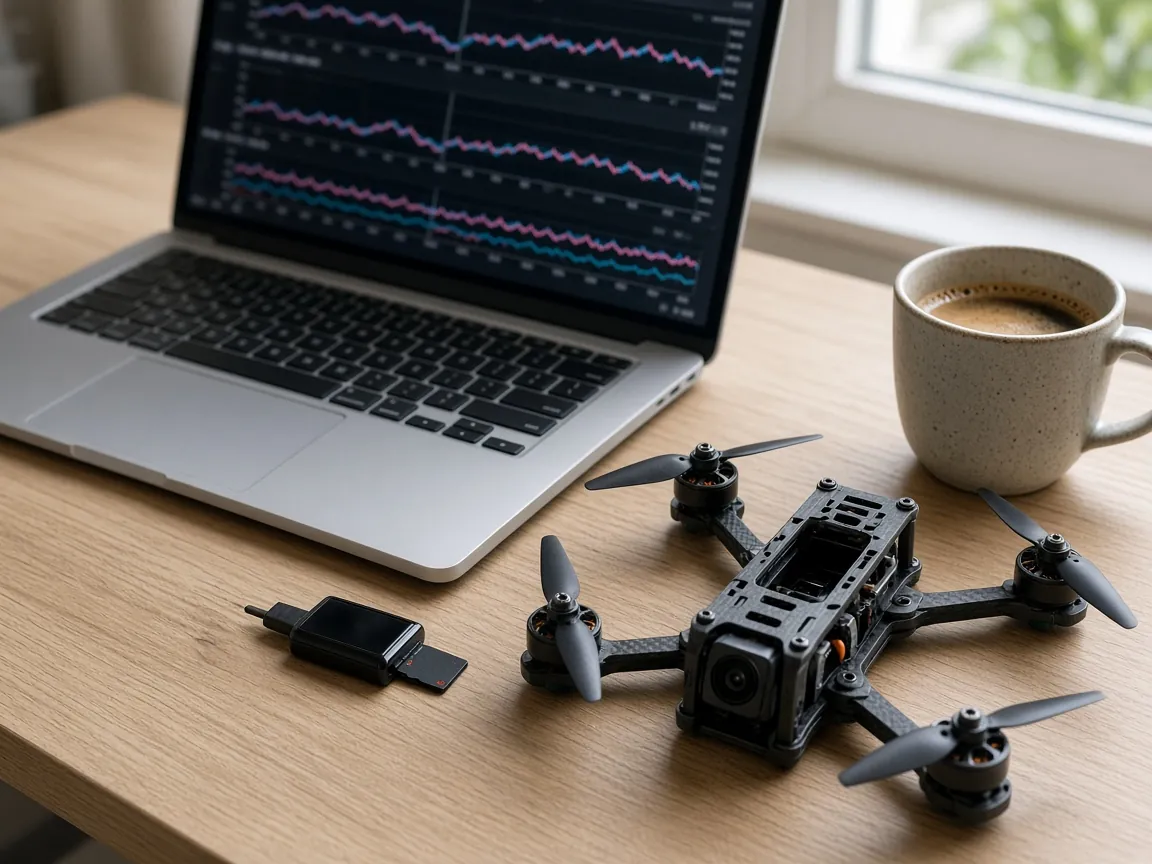
Smooth the noise
This is an illustration. More smoothing takes the spikes out of the line.
Betaflight
Features
- 01
Filter sliders
Gyro and D-term each have an on switch and a multiplier from 0.5 to 2. The footer states that a higher multiplier raises cutoffs.
- 02
Gyro and D-term lowpass
Lowpass type is PT1, Biquad, PT2 or PT3. A dynamic minimum of 0 with a static cutoff above 0 shows the static cutoff. A dynamic minimum above 0 shows dynamic minimum and maximum instead.
- 03
Second lowpass
Lowpass 2 has its own type and cutoff, shown only when its cutoff is above 0. D-term also has a dynamic curve expo from 0 to 10.
- 04
Hardware lowpass
Normal, Option 1, Option 2 or Experimental. The footer says the other options mean different cutoffs on each chip and apply after a reboot.
- 05
Fixed notches
Two gyro notches and one D-term notch, each with centre and cutoff in hertz, plus a yaw lowpass. Centre 0 means off.
- 06
Dynamic notch
Count from 0 to 5, Q, and minimum and maximum frequency. Count 0 is off. The footer says it tracks frame and prop resonances.
- 07
RPM filter
Harmonics from 0 to 3 and a minimum frequency. On API 1.48 and newer: fade range, Q, and weights for the fundamental, second and third harmonics. Weight 0 leaves that harmonic unfiltered.
- 08
INAV filters
INAV uses its own settings: gyro lowpass type and cutoff, optional dynamic lowpass, D-term lowpass per profile, dynamic notch mode and Q, and an RPM gyro filter that needs ESC telemetry.
Betaflight filter controls
Ranges below are the ones on the Betaflight Filters tab.
Gyro filtering multiplier. 0.5 to 2 in steps of 0.05, shown when the gyro filter slider is on. Editing the underlying cutoff by hand turns the slider off.
D-term filtering multiplier. The same 0.5 to 2 range for the D-term slider.
Lowpass 1. Type PT1, Biquad, PT2 or PT3. Static cutoff, or dynamic minimum and maximum when the dynamic minimum is above 0.
Gyro hardware lowpass. Normal is the recommended choice. Option 1, Option 2 and Experimental apply after a reboot and do not mean the same hertz on every gyro chip.
Yaw lowpass. 0 to 500 hertz, on the notch card.
Dynamic notch Q. 1 to 1000. Minimum frequency 60 to 250 hertz. Maximum frequency 200 to 1000 hertz.
RPM filter Q. On API 1.48 and newer, 2.5 to 30. Higher is a narrower notch: less delay, less margin when the motor noise is not exactly on that RPM.
Harmonic weights. 0 to 100 percent for the fundamental, second and third. The fundamental's hint says 0 leaves that harmonic unfiltered.
RPM filter needs the motors to report RPM
The RPM filter card says it needs bidirectional DShot, set on the Motors tab. Harmonics 0 turns the filter off even if DShot is bidirectional. On older firmware than MSP API 1.48 the extra fade, Q and weight sliders are hidden. Harmonics and minimum frequency remain.
Fade range is how wide a band above the minimum frequency the notches fade in across, instead of switching on. It is 0 to 1000 hertz on the sliders that appear for API 1.48. INAV's equivalent card is labelled RPM gyro filter and its footer says it needs ESC telemetry, which is the same bidirectional DShot idea under INAV's name.
INAV's dynamic notch has a mode. When that mode is 3D, a separate 3D notch Q slider appears. INAV 8 dropped the on/off setting for the dynamic gyro lowpass, and the dynamic range is always shown on those builds. Older INAV still has the dynamic lowpass switch.
None of these sliders replace a blackbox view of gyro noise. Use the blackbox explorer after a hover, and the PID autotune page if you recorded a chirp. The rates page does not change filters.
What a higher cutoff actually does
The slider footer is the rule FlySpark shows on the tab: higher means higher cutoffs, less delay, and more noise reaching the motors. That is the trade you are making. A quieter gyro trace with a very low cutoff is not free. It adds delay to the PID loop.
Fixed notches are for a tone you already know, such as a frame resonance you measured. Centre 0 disables that notch. The dynamic notch is the one that moves. Leave its count above 0 if you want it to follow prop resonances, and set the minimum and maximum so the window covers the frequencies you actually see.
The hardware lowpass is easy to forget because it sits before the numbers above. Leave it on Normal unless you have a reason and you reboot afterwards. Switching it and then judging a log without a reboot reads the old chip setting.
Profile changes on INAV are per control profile for the D-term lowpass. The card footer says it is stored per control profile. Switching profiles on the profile bar shows that profile's D-term cutoff. Betaflight filter sliders are not split that way on this tab. If a number looks unchanged after you switch an INAV profile, you are looking at a profile that was never edited.
At a glance
Filter specifications
| Betaflight sliders | Gyro and D-term multipliers 0.5 to 2 |
|---|---|
| Lowpass types | PT1, Biquad, PT2, PT3, plus a second lowpass |
| Fixed notches | Two gyro notches, one D-term notch, yaw lowpass; centre 0 is off |
| Dynamic notch | Count 0 to 5, Q, minimum 60 to 250 Hz, maximum 200 to 1000 Hz |
| RPM filter | Harmonics 0 to 3; on API 1.48 also fade, Q 2.5 to 30, and three weights |
| Requires | Bidirectional DShot for the RPM filter; ESC telemetry on INAV |
Betaflight
How to turn on the Betaflight RPM filter
DShot
On the Motors tab, use bidirectional DShot. The RPM filter footer says the filter needs it.
Harmonics
On Filters, set RPM filter harmonics above 0. Zero is off.
Minimum
Set the minimum frequency. On API 1.48 and newer, set the fade range if you want the notches to fade in instead of switching.
Q and weights
If those sliders are visible, set Q and the three harmonic weights. A weight of 0 skips that harmonic.
Save
Write the save bar and reboot if asked.
Check
Hover and read a blackbox log before you raise the filter sliders further.
Guide 01
Read the slider the way the tab describes it
Use the on-screen rule before copying someone else's numbers.
Turn the gyro filter slider on and move it a small step.
Remember that higher means less delay and more noise.
If you then type a cutoff, expect the slider to turn off.
Save, fly a short hover, and look at the gyro in a blackbox log.
Troubleshooting
Common problems and fixes
Problem
RPM filter seems to do nothing
Fix
Harmonics is 0, or bidirectional DShot is not on. Both are required. Confirm on a board whose API is new enough to show the weights if you expected those sliders.
Problem
Motors get hot after raising the sliders
Fix
Higher cutoffs pass more noise to the motors. Lower the multiplier and check a log. Do not keep raising it to chase a sharper feel.
Problem
Hardware lowpass did not change
Fix
It applies after a reboot. The footer says so.
Problem
INAV dynamic lowpass switch is missing
Fix
INAV 8 dropped that on/off setting. The dynamic range is always shown.
Glossary
Glossary of terms
- RPM filter
- Notches that follow motor speed. Harmonics 0 disables it.
- Dynamic notch
- A notch bank that moves to frame and prop resonances. Count 0 disables it.
- Lowpass
- A cutoff that reduces higher-frequency gyro or D-term noise. Higher cutoff means less delay and more noise.
- Bidirectional DShot
- The motor protocol that returns RPM to the flight controller, required by the RPM filter.
FAQ
Frequently asked questions
What is the Betaflight RPM filter?
Notches that follow motor RPM. On the Filters tab, harmonics 0 turns it off. It needs bidirectional DShot, set on the Motors tab.
Why are Q and the harmonic weights missing?
Those sliders are shown on MSP API 1.48 and newer. Older Betaflight still has harmonics and the minimum frequency.
What does the gyro filter slider do?
It scales the gyro lowpass. Higher is a higher cutoff, less delay and more noise. Typing a cutoff by hand turns the slider off.
What is dynamic notch count 0?
Off. The footer says the dynamic notch tracks frame and prop resonances.
Should I change the gyro hardware lowpass?
The tab says to leave it on Normal. The other options are different cutoffs on each chip and apply after a reboot.
Does INAV have the same sliders?
No. INAV has its own gyro lowpass, D-term lowpass, dynamic notch and RPM gyro filter. The RPM card there says it needs ESC telemetry.
Do filters work in the browser demo?
The Betaflight demo is a 4.5 board, MSP API 1.46, so the API 1.48 RPM extras are not on that demo. A real board reports its own API version.
Will this page flash Bluejay?
No. Bidirectional DShot for the RPM filter is an ESC capability. Flashing Bluejay is the ESC configurator. This tab only sets the flight controller's filters.
References
Sources
The official documentation behind the background facts on this page.
- Betaflight WikiBetaflight · betaflight.com
- Betaflight Setup GuideBetaflight · betaflight.com
- Blackbox loggingBetaflight · betaflight.com